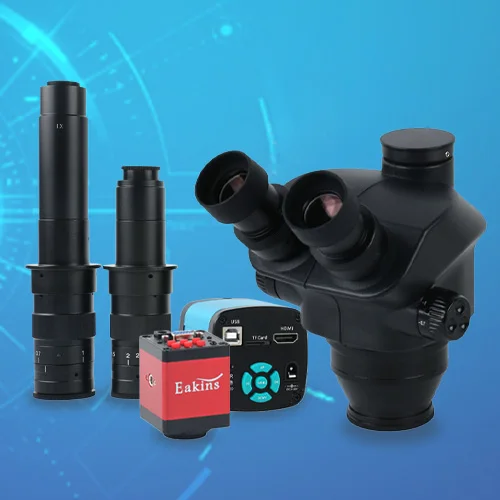
*Текущая стоимость 6 517,54 уже могла изменится. Что бы узнать актуальную цену и проверить наличие товара, нажмите "Добавить в корзину"
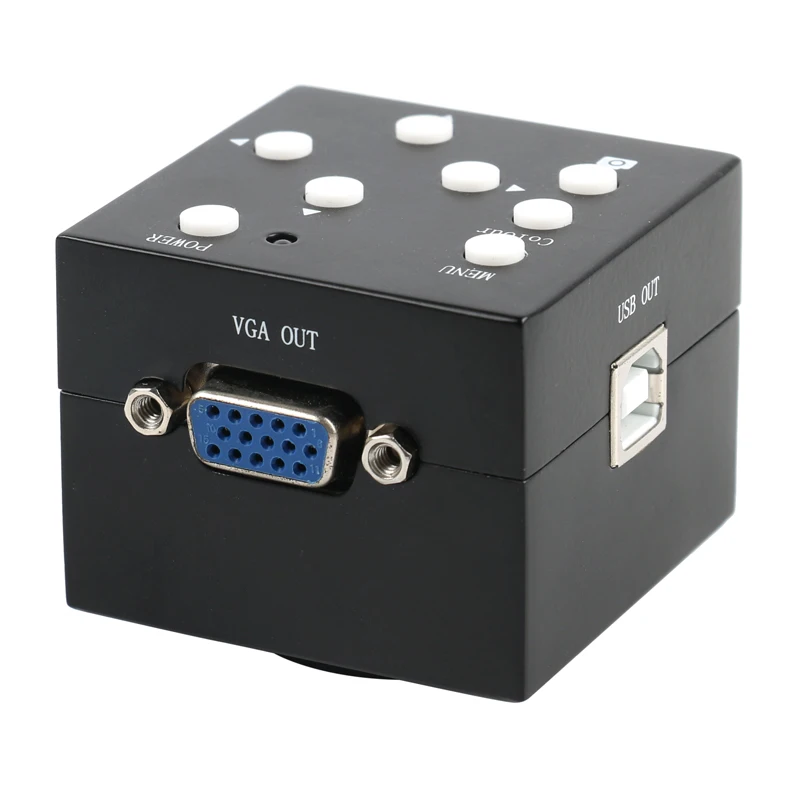


Specification:
Model: Camera with USB VGA two output
Sensor: 1/3 inch 2MP
Effective Pixels: 1600H*1200V
VGA Image resolution: 800X600 60Hz,1024X768 60Hz,1280X1024 60Hz,1366X768 60Hz
1920X1080 60Hz
Data Bits:8bit
pixel size:2.8μm*2.8μm
Frame rate:15-60F/S 15fps@1600*1200, 30fps@1024*768,45fps@800*600
Definition:900TV lines
Scanning mode:Advance gradually
Shutter Type:Electronic Shutter
Dynamic Range:63dB
Signal-to-noise ratio:44dB
Sensitivity:1.0 V/lux-sec (550nm)
Exposure time:10μs–60ms,automatic exposure
White balance:AUTO
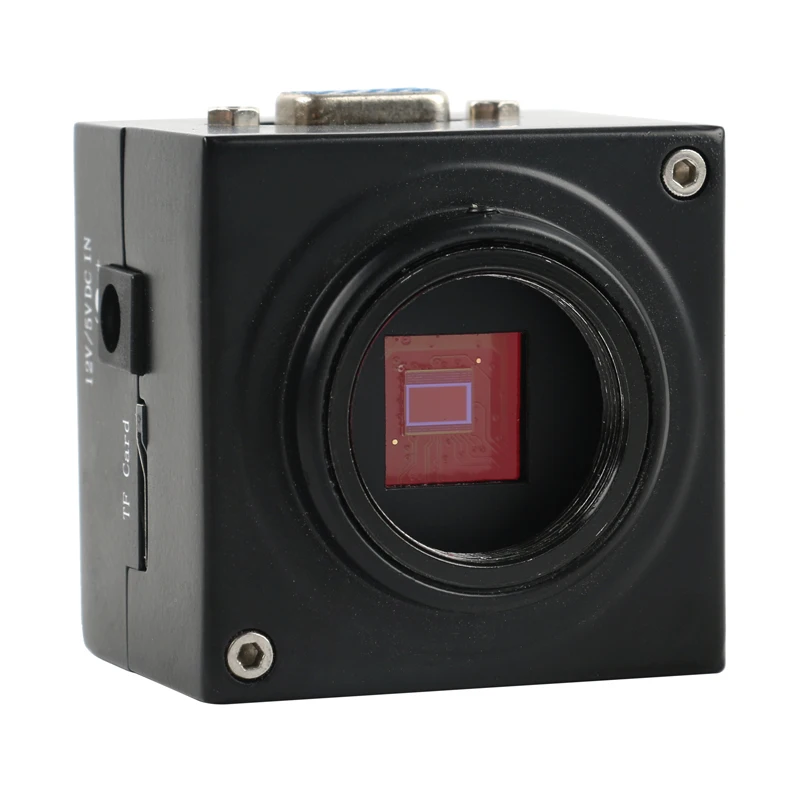
Lens Mount:C/CS
Menu features:Brightness, contrast, color saturation, brightness, exposure, automatic exposure, vertical mirror, horizontal mirror, Ink, freezer, negative, black and white, the number of cross line (4), line color
OSD: English/Chinese
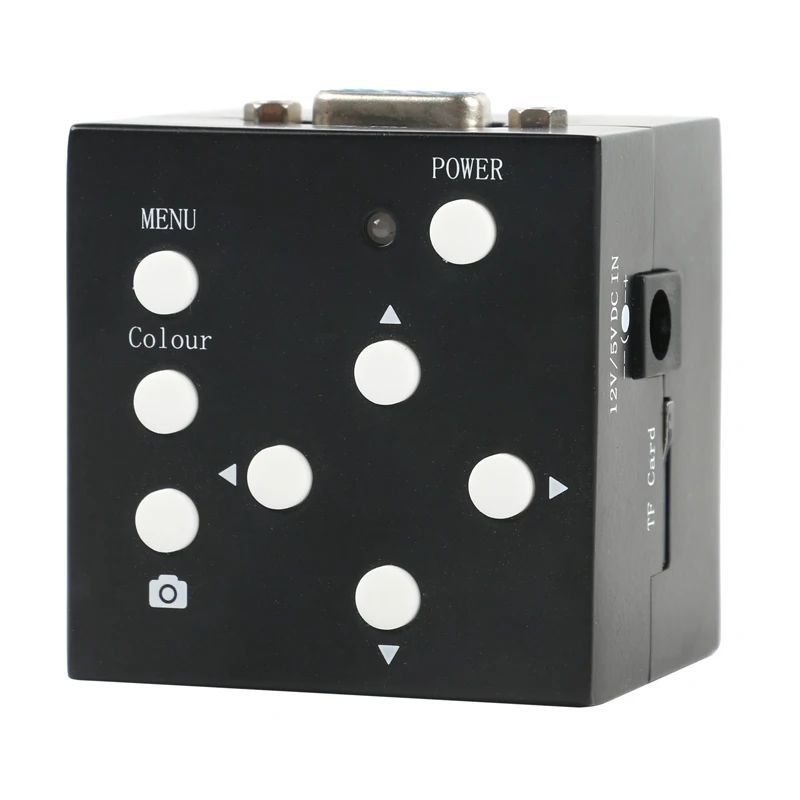
2 megapixel VGA+USB industrial camera with TF card access camera function, there are 8 horizontal lines, 8 vertical lines, 1 to 8 can be selected through the menu, the highest resolution of VGA output is 1920x1080 60Hz.
Menu operation:
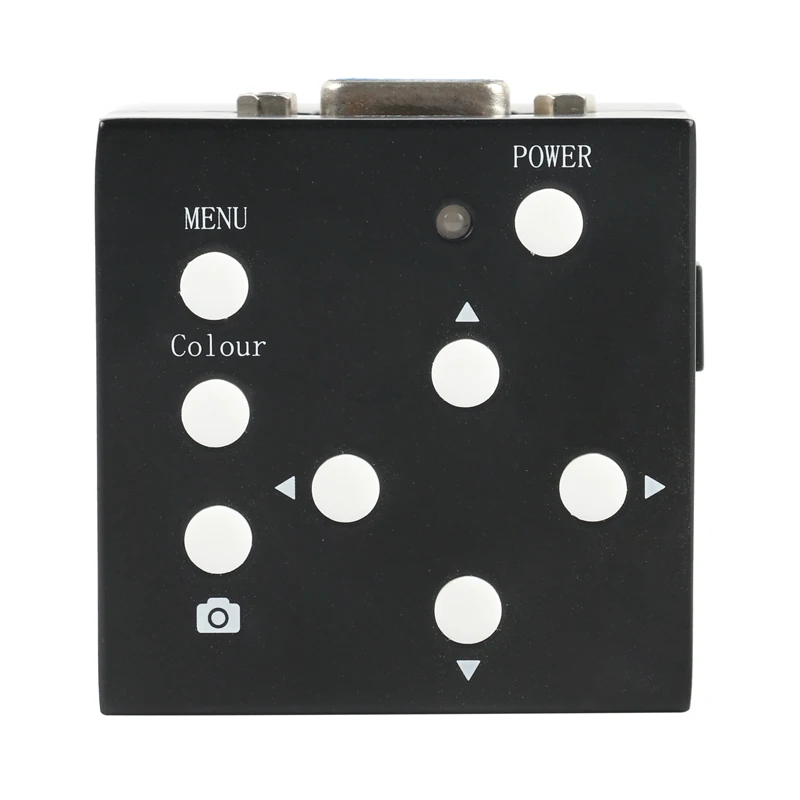
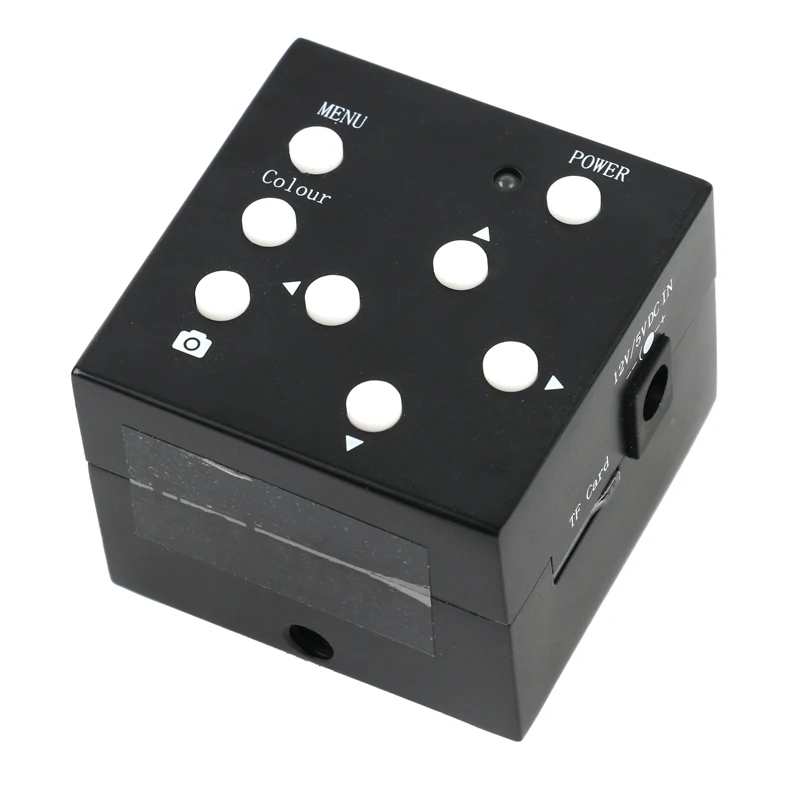
Pressing the MEMU button once will open the main menu, and pressing the MEMU button again will close the main menu. After opening the main menu, you can see the menu settings, auto white balance, one-button white balance, white balance settings, image rotation, horizontal guides, vertical guides and other menus. Use the ▲/▼ keys to move the cursor to select the menu to enter, press the ? key to enter the sub-menu pointed by the cursor or select the menu. Use the ? key to cancel the current menu option; enter the image setting menu page to display: brightness, Contrast, saturation, etc.; use the ? key to select the adjustment item, ▲/▼ key to adjust the value, and the ? key to exit the current submenu.
Crosshairs move and change color:
When the menu is closed, use the ▲/▼ keys to specify the line to be moved. The movable line has a moving icon. Use the ?/? keys to move the movable line up or down or left and right; change the current line color: ▲/▼ Press the key to select the line to change the color, and use the Color key to change the line color.
Several ways to adjust the best image effects:
1. Adjust the brightness of the LED light source to make the brightness of the image reach a comfortable state.
2. If the object you are looking at is a non-ferrous metal or feel the color deviation, tick the menu "Auto White Balance". Place a blank sheet of paper under the lens and open the main menu "One-button white balance" -> Press the ? button once to restore the metallic color to its optimum state.
Common problems and solutions:
1. The parameters are disordered and restored to the factory state: Open the menu and select "Restore Factory Settings".
2, LCD display screen is not complete, there are black edges, there are interference patterns, please press the AUTO button on the display.
3. After connecting the monitor, the display has a menu prompt, beyond the frequency range, find a better support 1080P display, display the image normally, then lower the resolution (XGA or 720P), then connect the original display .
4. The lens or imaging element is dusty. Please wash it with absolute alcohol (anhydrous ethanol) or wipe it off with a glasses cloth.
Camera parameters:
1, imaging components 2 million 1/3-inch CMOS, effective pixels 1920X1080, frame rate 60 frames / sec, clarity 900 lines.
2, using the C lens interface, you can choose any CS interface lens.
3. Power input: +5V to +15V DC, maximum operating current of 300mA at +5V, and maximum operating current of 140mA at +12V
Package incluede:
1 x Microscope Camera
1 x Power supply(AU EU)
![]()
![]()
![]()
![]()
![]()
![]()
![]()
![]()